Twaiq bootcamp ctf 2025 - Forensics

Hi, I’m Depe.. and in this post we gonna go through the forensics challenges from the Twaiq Bootcamp CTF.
The challenges were honestly kinda basic & trivial (at least for me) but since i had nothing better to do i thought why not.. also it was the perfect excuse to waste some time (i was not totally procrastinating studying a(tra)ctive directory 🤓)
Forensics 01

challenge description :
the file came from an unknow source. Can you figure out who created it ?
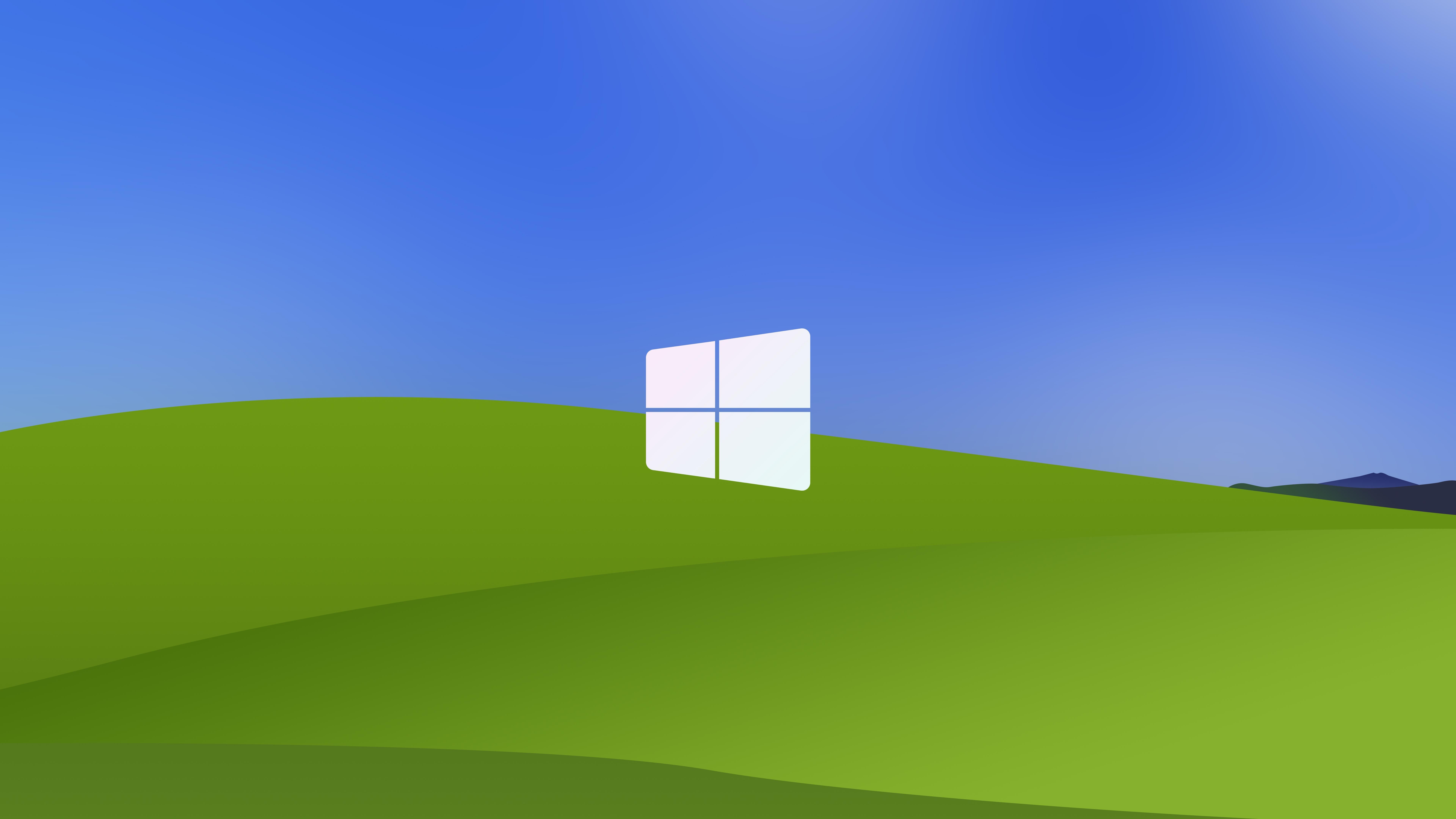
And this weird-looking “ugly” windows image was given
solution
As hinted in the challenge description … the source word indicates that there is something hidden in the meta-data
what is Metadata ?
Quoted from NCEIMetadata, or "data about data", is structured information that describes, explains, or provides context for other data, making it easier to find, use, and manage. It includes details like an item's creation date, author, format, and purpose, serving as crucial documentation to understand the data's history, quality, and intended use.
so as hinted in the challenge i investigated the meta-data of the image using exiftool (faster) and took a closer look at them.
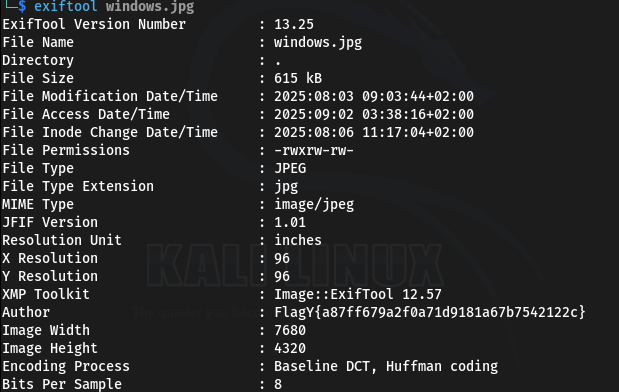
looking at the Author section we can see the flag, and that was the soultion.
Forensics 02

challenge description :
A group of hackers exchanged an image to hide a seceret message. At firsist glance it looked normal but something was off....try to fix the distorition and reveal what they were hiding ?
1 |
|
And this weird-looking image was given

solution
This is a classic Steganography technique where text or data is hidden by drastically altering the aspect ratio of an image, making it unreadable to the naked eye.
To solve this, I fired up GIMP to manually reverse the distortion.
Open the Warped_Vision.jpg in GIMP.
Select the Sheer Tool (Shift+H).
Since the chat mentioned “horizontal distortion”, I broke the aspect ratio link (the chain icon) to
manipulate width and height independently.I squeezed the width (or stretched the height) to correct the aspect ratio.
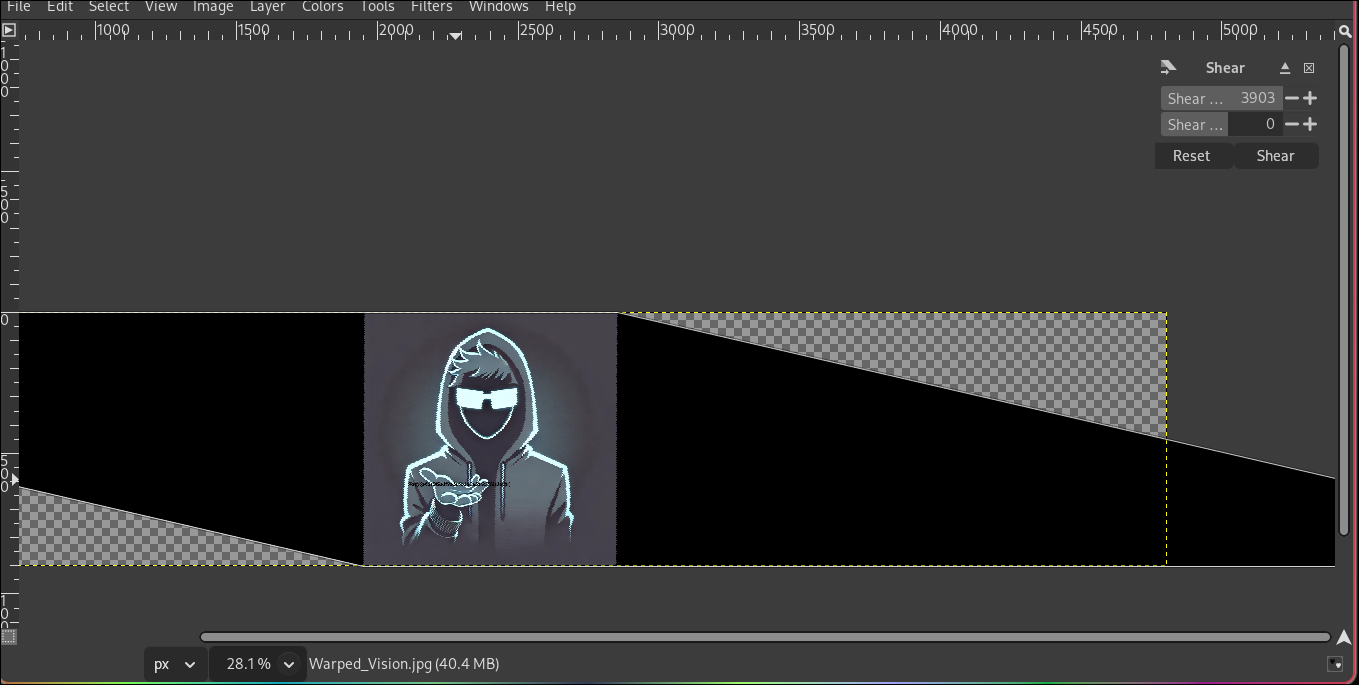
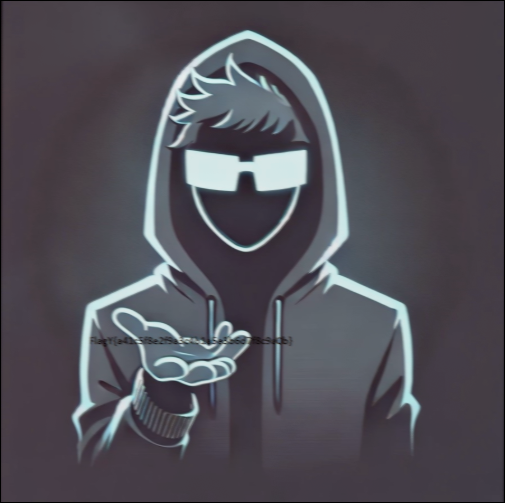
After resizing the canvas and finding the correct ratio, the “warped” pixels aligned perfectly to reveal the flag written on the image.
Forensics 03
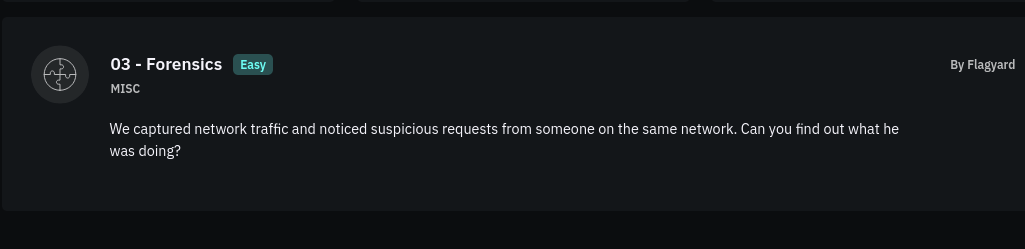
challenge description :
We captured network traffic and noticed suspicious requests from someone on the same network. Can you find out what he was doing?
And a traffic.txt file was given containing captured packets:
1 | No. Time Source Destination Protocol Length Info |
Solution
The challenge provides a text dump of network traffic, specifically ICMP Echo (ping) requests. Looking closely at the “Destination” IP addresses in the packet list, they looked a bit unusual.
The description hints at “suspicious requests,” and often in CTFs, data can be hidden in fields like IP addresses.
I decided to extract all the Destination IP addresses to see if they formed a message. I used some Linux command-line magic to grep and cut the IPs out of the file:
1 | cat traffic.txt | grep "192.168.47.129" | awk '{print $5}' > ips.txt |
This gave me a list of IPs like: 70.108.97.103 89.123.57.102 …
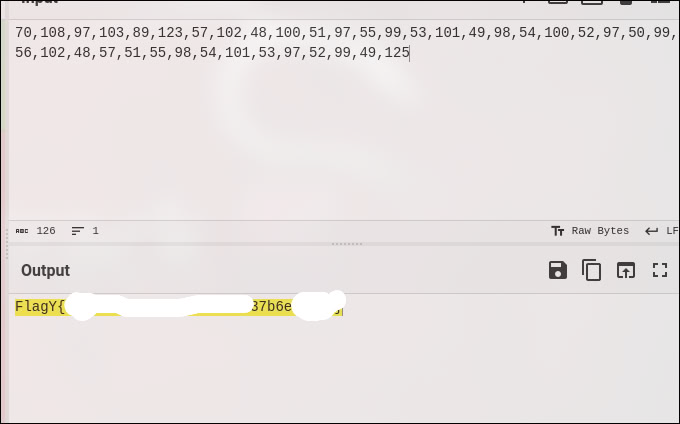
I treated these numbers as ASCII codes. I pasted the list into CyberChef and used the From Decimal recipe. I set the delimiter to Dot (.) to interpret the IP address octets as individual characters.
Converting the sequence of numbers from decimal to ASCII revealed the flag!
- Title: Twaiq bootcamp ctf 2025 - Forensics
- Author: Depe
- Created at : 2025-09-02 03:36:50
- Updated at : 2025-12-22 09:17:39
- Link: https://depe.blog/Twaiq-bootcamp-ctf-2025-Forensics/
- License: This work is licensed under CC BY-NC-SA 4.0.